
GsKnora Assistant
The GsKnora Assistant answers questions about GsKnora version updates, feature usage, configuration, and troubleshooting, and can also—using the current page and your identity—create agents, schedule tasks, organize knowledge, and adjust configuration. Click the assistant entry next to the logo in the top-left corner to open a conversation panel on the right; ask a question or describe what you want to accomplish. It uses your permissions and resources and does not gain extra administrator privileges.
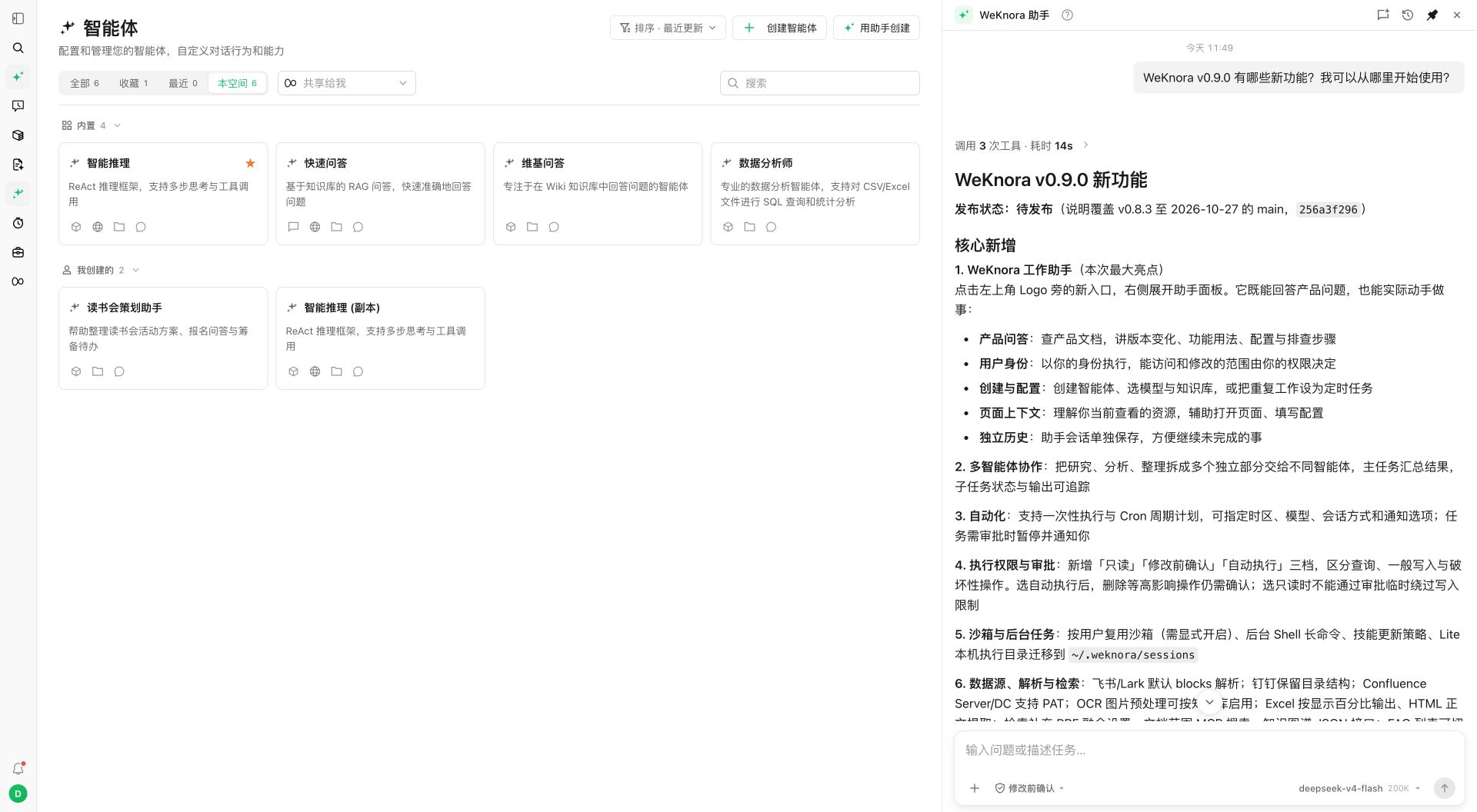
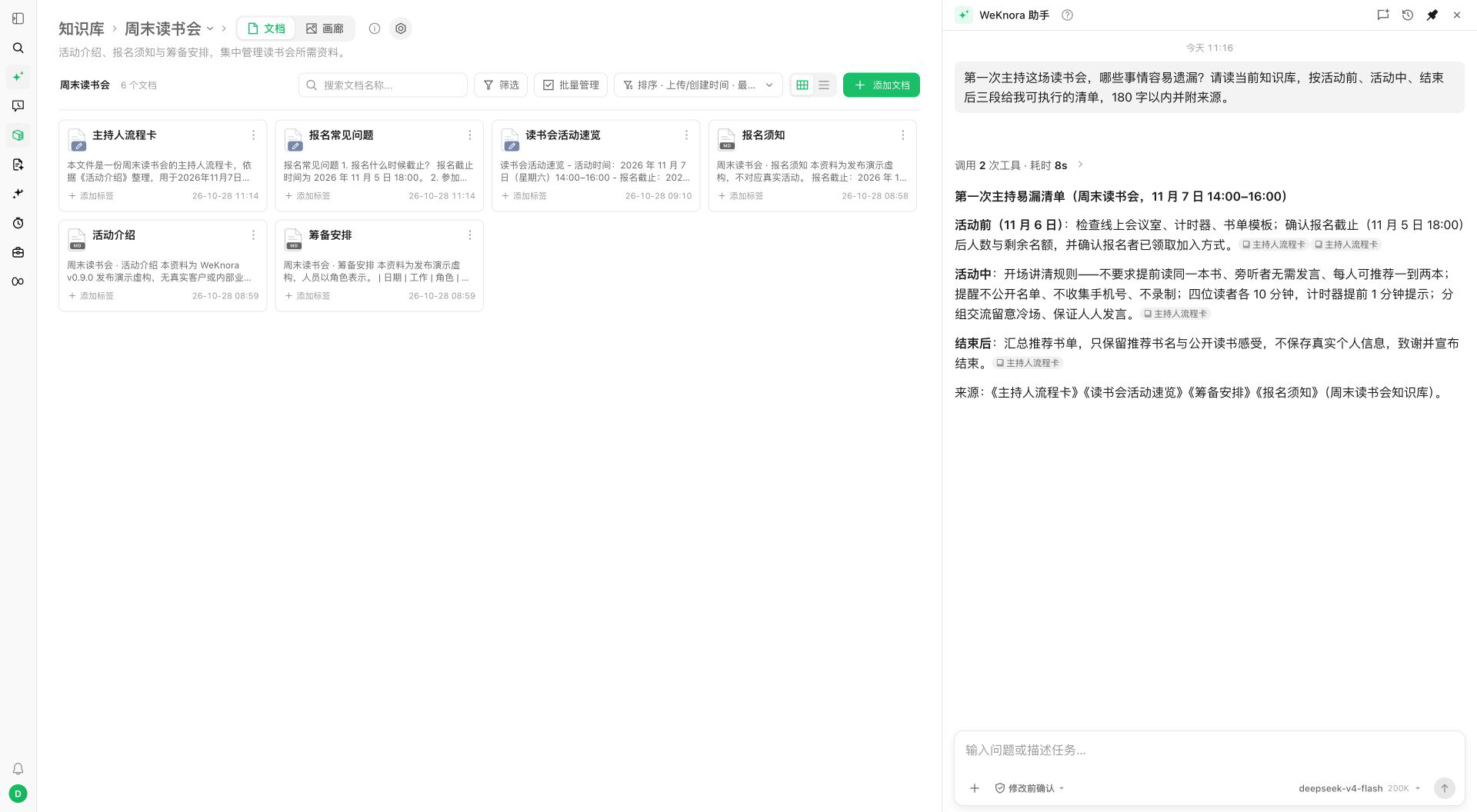
Get started in one sentence
After upgrading to v0.9.0, onboarding highlights the assistant button near the logo. Open the assistant or click “Got it” to dismiss the hint; new users also find it in the first-run guide.
Example tasks:
- “What changed in this GsKnora version and how do I use these features?”
- “Create an assistant to organize a book club, link event documents, and let me confirm before creation.”
- “Explain this knowledge base’s parsing config—which settings affect image retrieval?”
- “Find relevant sources for this problem with original references.”
- “Check this document’s parsing status, the failure reason, and next steps.”
- “Set up a daily public-news digest automation and let me confirm the config first.”
The assistant can search and read product documentation for the current version and discover available management operations. When modifying resources, whether to confirm first is governed by execution permissions; your workspace role, resource access, and per-operation limits still apply.
Current page and document scope
From an agent, knowledge base, document, or settings page, page context helps interpret “here”, “this document”, and similar phrases. This is GsKnora page context—not reading other applications on your computer. The current page does not automatically limit search to one knowledge base or grant new access. To scope work, use @ in the input to pick a knowledge base, document, or tag, and state the task clearly.
The assistant has its own session history. Regular chat and assistant sessions are separate; assistant history is visible only to its author—a workspace admin cannot browse other members’ assistant history.
What the assistant can do
| Task | Examples |
|---|---|
| GsKnora help | Updates, features, configuration, deployment, troubleshooting |
| Agent configuration | Create agents, models, knowledge bases, tools; confirm before save |
| Knowledge Q&A | Search knowledge bases and Wiki, read sources, verify answers |
| Content maintenance | Create or edit documents, FAQ, and knowledge base content when authorized |
| Configuration and diagnosis | Models, agents, MCP, skills; parsing or retrieval issues |
| Page collaboration | Open related pages, help fill configuration, you validate |
| Recurring tasks | Create and manage automations, review runs |
Some tasks require capabilities already configured (web search, sandbox for skills). Finding an operation does not bypass the permissions that operation requires.
Multi-agent collaboration
For research or organization that can be split, the assistant can assign multiple agents and aggregate results. Follow progress, outputs, and pending items; add instructions or stop the task.
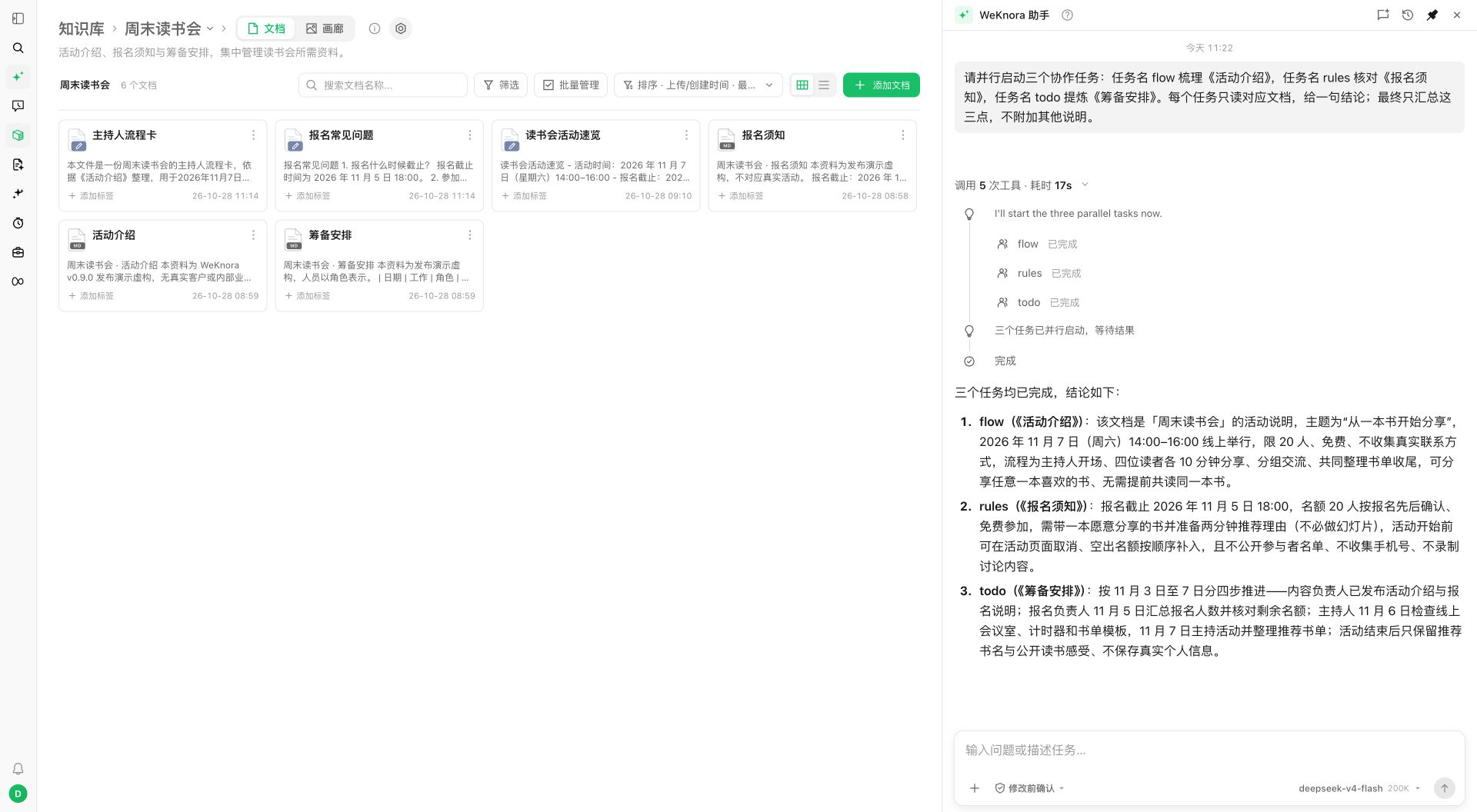
- Temporary collaboration agents inherit capabilities allowed for the task; an existing reasoning agent in the workspace can serve as a template.
- Each sub-task has its own session without automatically copying the parent’s full history or attachments. The description should include context and document scope.
- Up to 16 collaboration instances per task, 3 running in parallel; instances waiting for approval do not count toward the quota. A collaboration agent cannot recursively spawn another layer.
- Stopping the main task cancels still-running tasks in the group; completed writes are not automatically rolled back.
Collaboration does not expand resource permissions. With per-user shared sandbox, session working directories stay separate but may share one machine—directory separation is not OS-level isolation between directories.
Name and permission ceiling
The workspace can configure the assistant display name and execution permission ceiling. The default assistant ceiling is “confirm before change”; per-session choice cannot exceed the workspace ceiling. Custom agent ceilings are managed separately.
Management operation discovery, product documentation queries, and similar capabilities belong to the built-in GsKnora Assistant; copying the name or system prompt to a custom agent does not grant them.
See also: Agent · Automations · Execution permissions and approvals